Visla Integrations: Connect your tools and create video faster
Visla integrations connect your collaboration apps, creative tools, automation platforms, and AI workflows so you can create professional video without leaving the tools you already use.

What can Visla integrations do for your workflow?
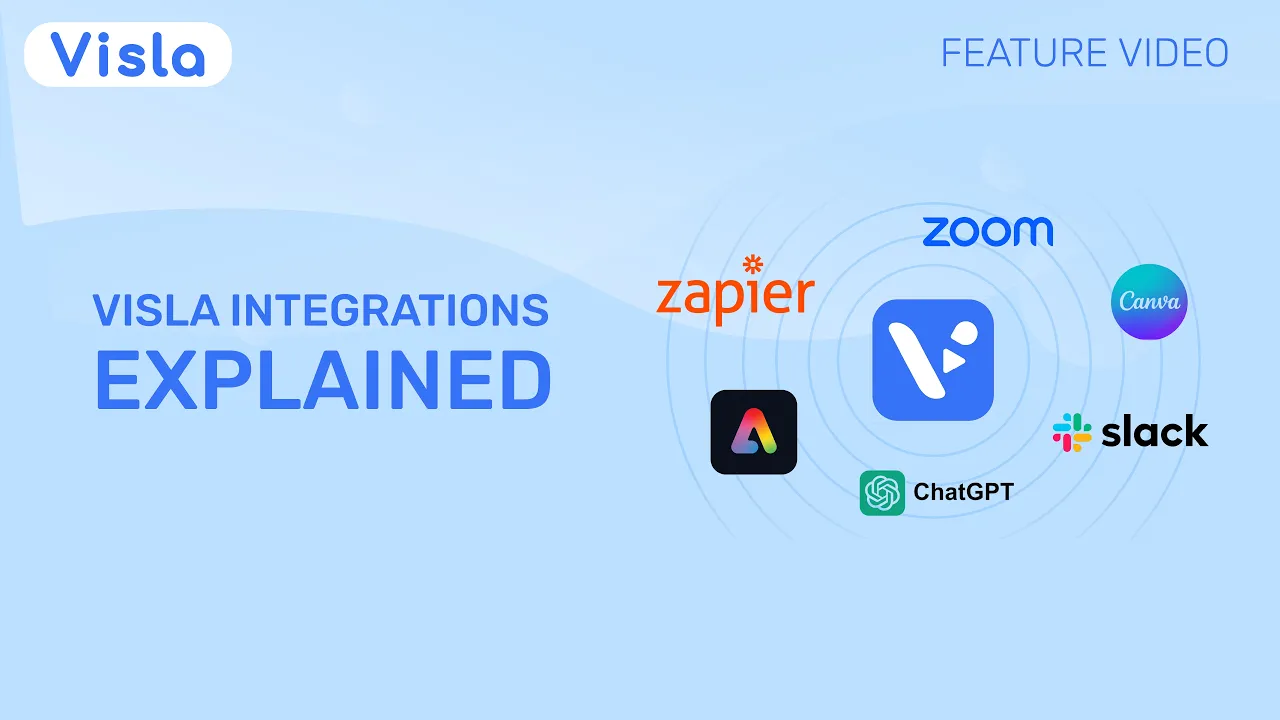
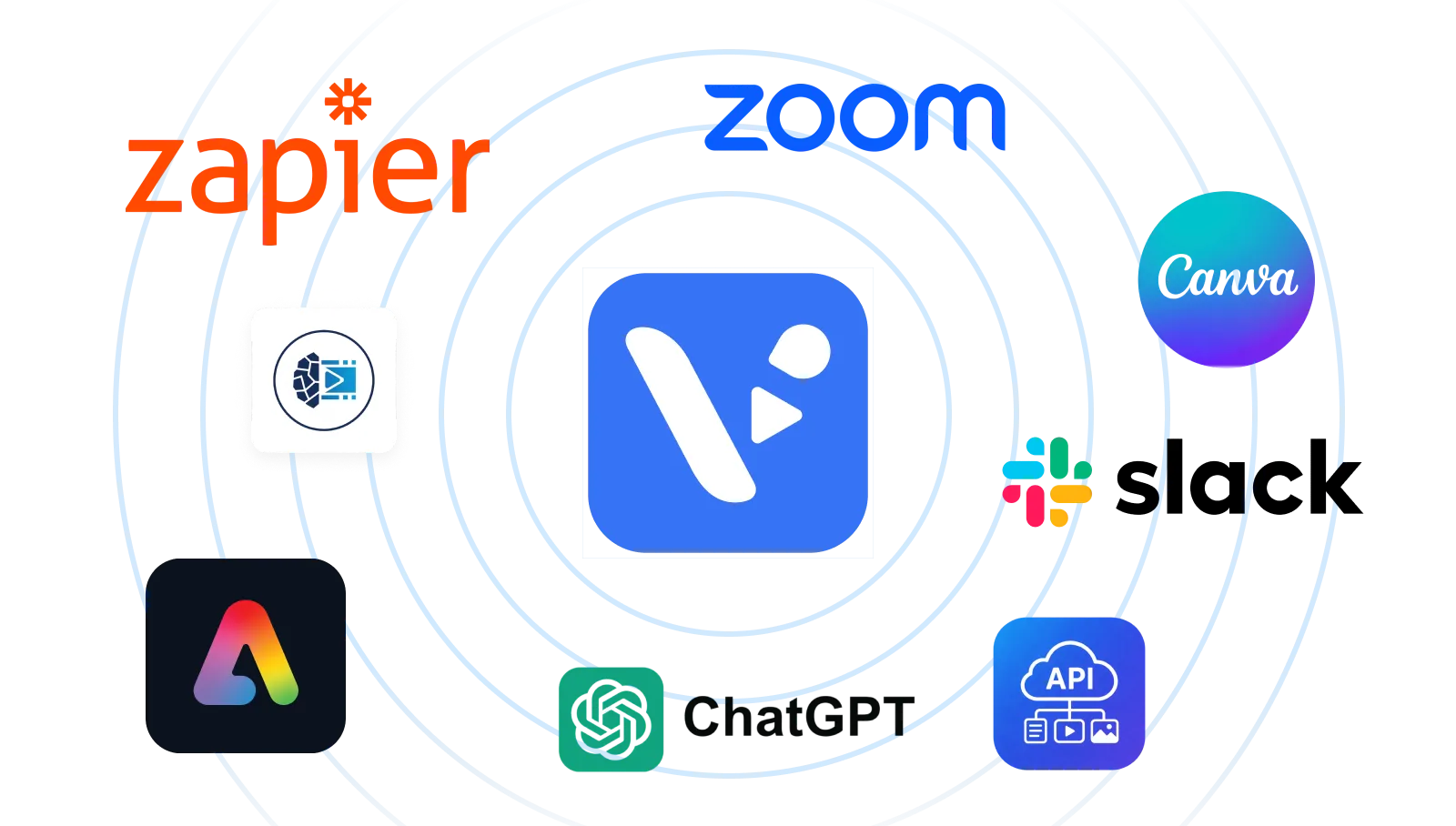
Visla integrates with the tools your team already uses, including Slack, Zoom, Zapier, Canva, Adobe Express, ChatGPT, and AI agent workflows. Developers can also use the Visla API to build video creation directly into their own products and systems. Whether you work in chat, meetings, design tools, automation platforms, or custom apps, Visla helps you create professional video without a messy, fragmented workflow.
Adobe Express Add-on
Use Visla with Adobe Express to create and edit AI-powered video without bouncing between disconnected tools. You keep your design workflow's creative flexibility while adding Visla's video-generation and editing capabilities on top.


AI Agent Integration
Connect Visla to AI agent workflows so assistants can turn prompts, scripts, links, video clips, audio, PDFs, or presentations into ready-to-edit videos — organized into scenes, voiceover, subtitles, and an editable structure.

Canva Add-on
Turn Canva designs into branded videos with Visla and keep your visual style consistent across channels. Move faster from static design to polished video without rebuilding the project in a separate workflow.

ChatGPT Integration
Turn ideas and links into ready-to-edit videos right from ChatGPT. Visla's integration makes it a fast way to move from a prompt to a draft video without leaving the ChatGPT workflow.

Slack Integration
Share a Visla link in Slack and your team can preview the video directly in the conversation. That makes feedback, updates, and video-first communication much easier without sending people off to another tool.
Visla API
Use the Visla API to bring video creation directly into your own product, platform, or internal system. Automate video generation from text, video clips, images, and audio — including AI-driven workflows for marketing, education, and other business use cases.
Zapier Integration
Connect Visla with 6,000+ apps through Zapier so your tools actually work together. Automate steps like triggering video creation or sharing based on activity in Airtable, HubSpot, Google Sheets, and more — all without writing code.
Zoom Integration
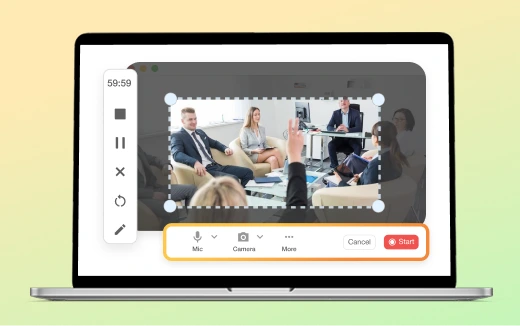
Bring Zoom recordings into Visla so you can trim, edit, rebrand, and repurpose them for demos, training videos, webinars, and more. It's a simple way to turn everyday meetings into useful video content instead of letting them sit in a recording folder.
Compare Visla Integrations at a glance
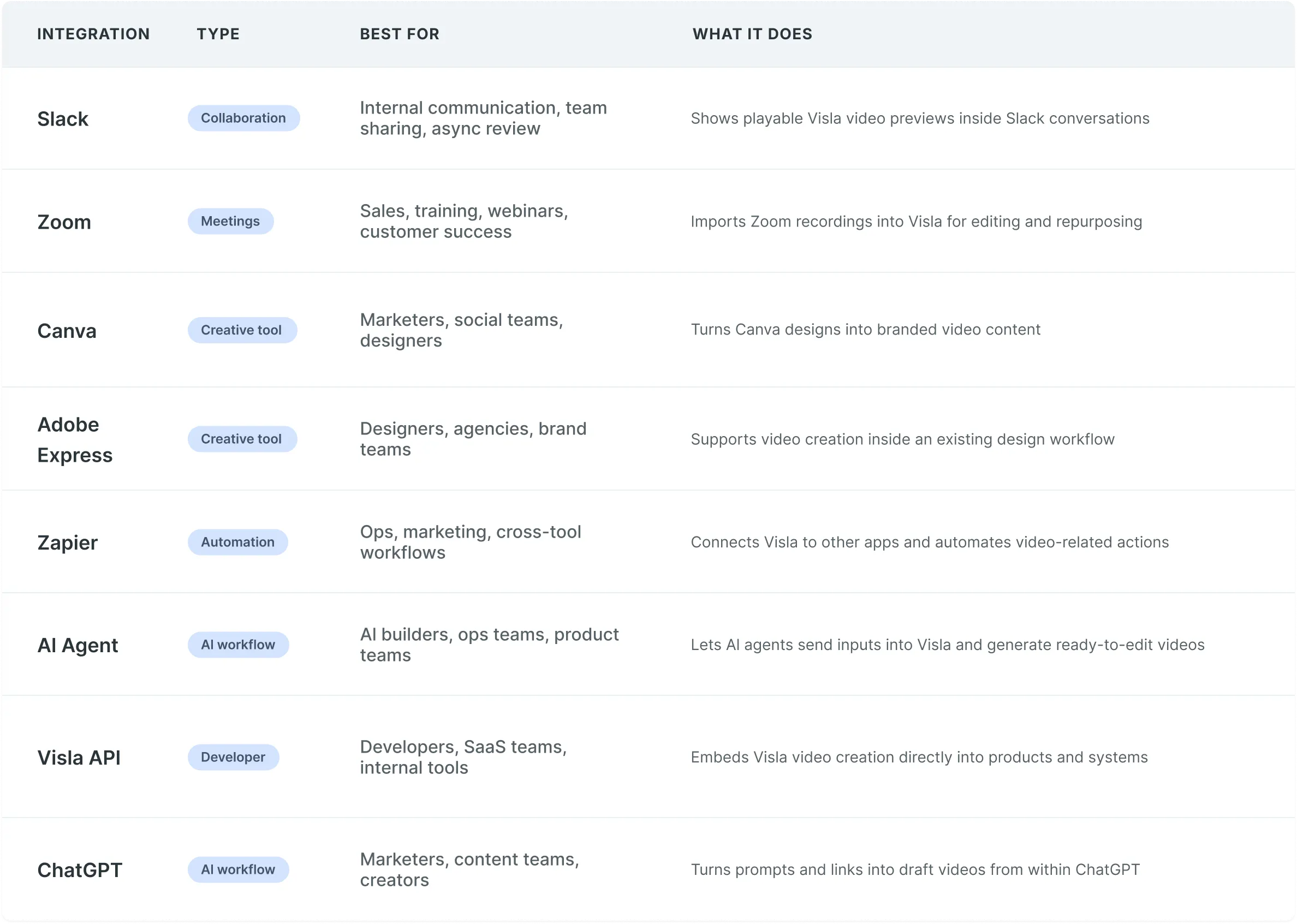
Use the table below to compare Visla integrations by workflow type, best-fit use case, and core function.
Frequently Asked Questions
 What apps does Visla integrate with?
- Can I use Visla with my existing workflow?
- Does Visla support AI agent workflows?
- Does Visla offer an API?
- Can I turn meetings and recordings into videos with Visla?
- Which Visla integration should I choose?
- Is the integration free?