
Where enterprise video strategy gets sharper
New articles every Tuesday and Thursday.
The Visla blog covers AI video tools, production workflows, and video strategy for marketing, enablement, and operations teams. Practical content, no filler.
-

Screen Recordings vs. Scenario-Based Training Videos: A Guide for L&D Teams
Quick Answer: Use screen recordings when learners need to see how to complete a task in a real software interface. Choose Visla’s Screen Step Recorder when a process would work better as separate, annotated scenes that people can revisit. Use scenario-based training videos to demonstrate workplace conversations and decisions where…
-
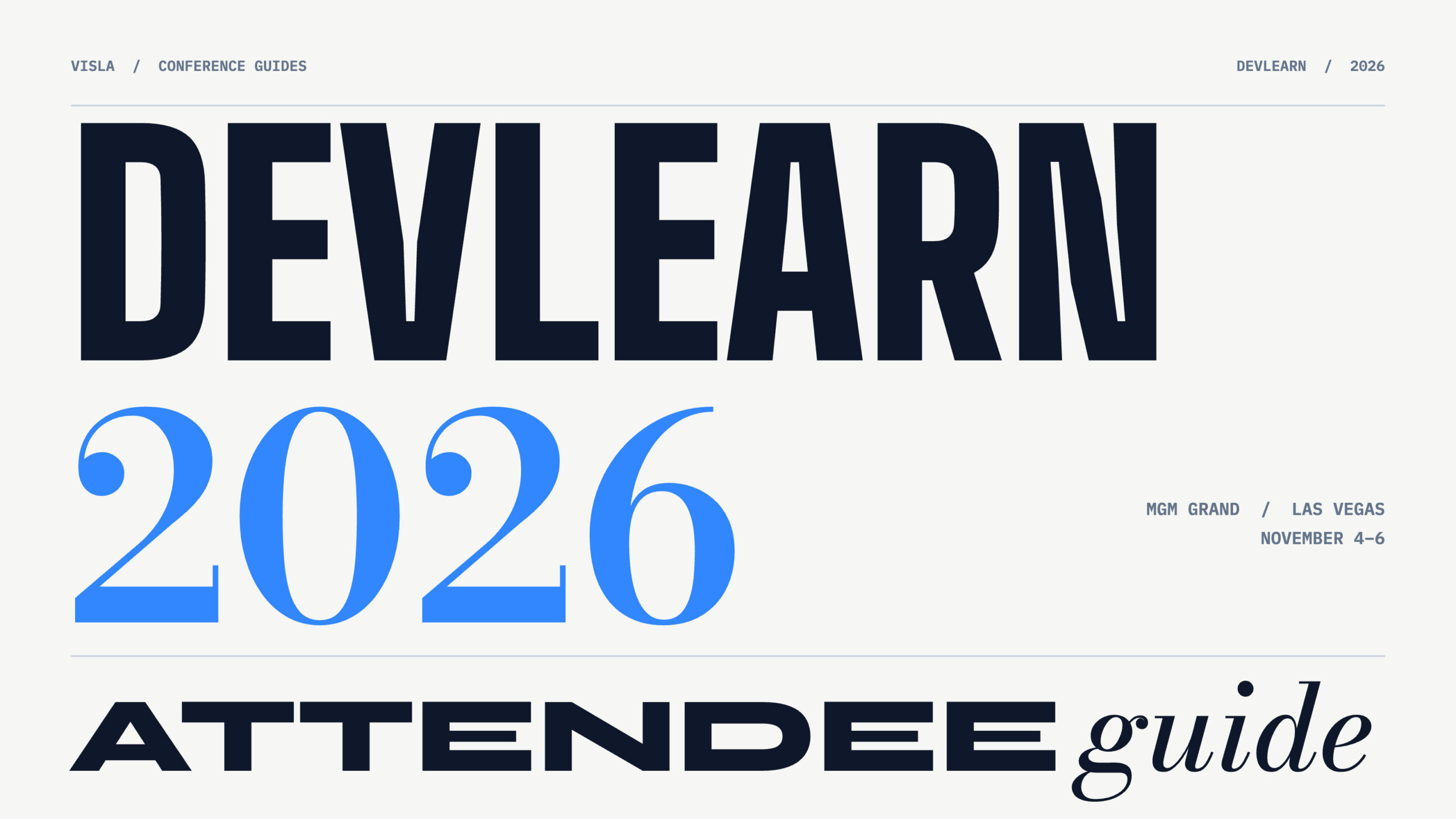
DevLearn 2026 Attendee Guide: Dates, Schedule, Packing List, and Tips
Quick Answer: DevLearn 2026 takes place November 4–6 at MGM Grand in Las Vegas, with optional preconference activities November 1–3. The Expo Hall is open Wednesday and Thursday only, so plan your exhibitor visits before Friday. Choose sessions and demos based on problems you want to solve, but leave time…
-
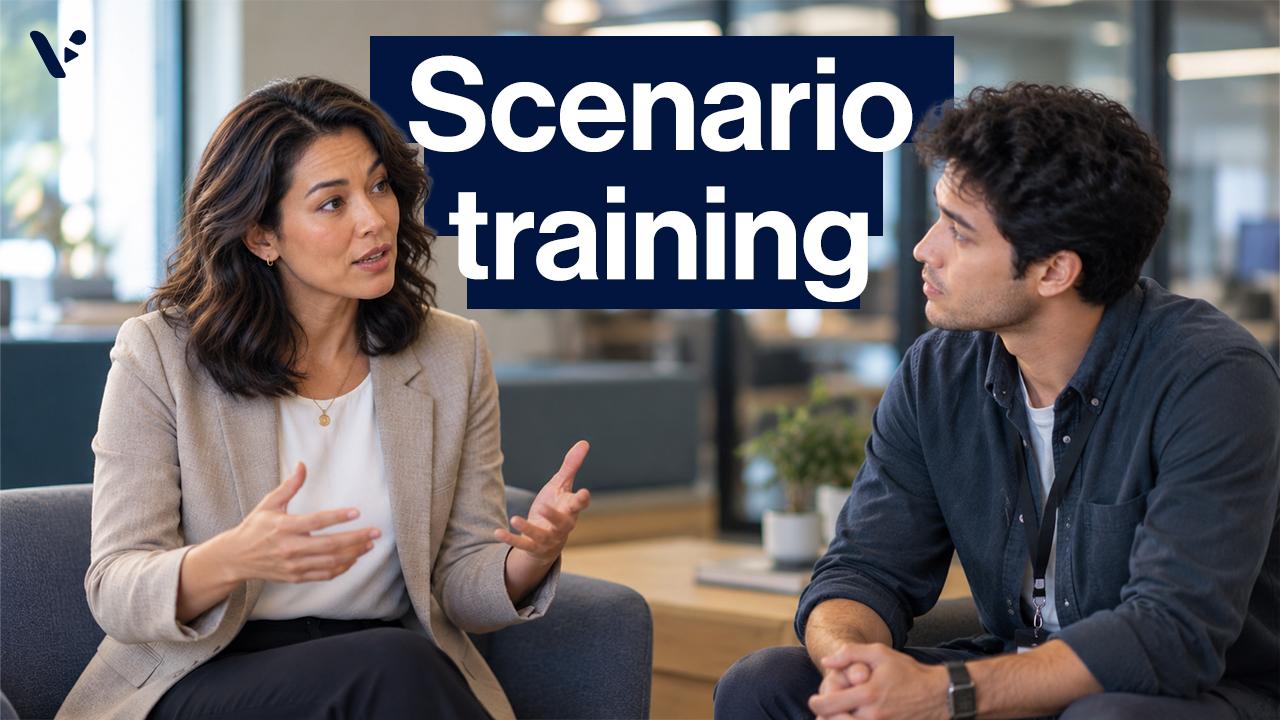
How to Create Realistic Scenario-Based Training Videos With AI
Quick Answer: To create a realistic scenario-based training video, start with a workplace decision learners need to practice, then build a believable conversation around it. Write dialogue that introduces real constraints, conflicting priorities, and consequences for different responses. AI tools like Visla’s Scenario-Based Video can turn these scripts into videos…
-
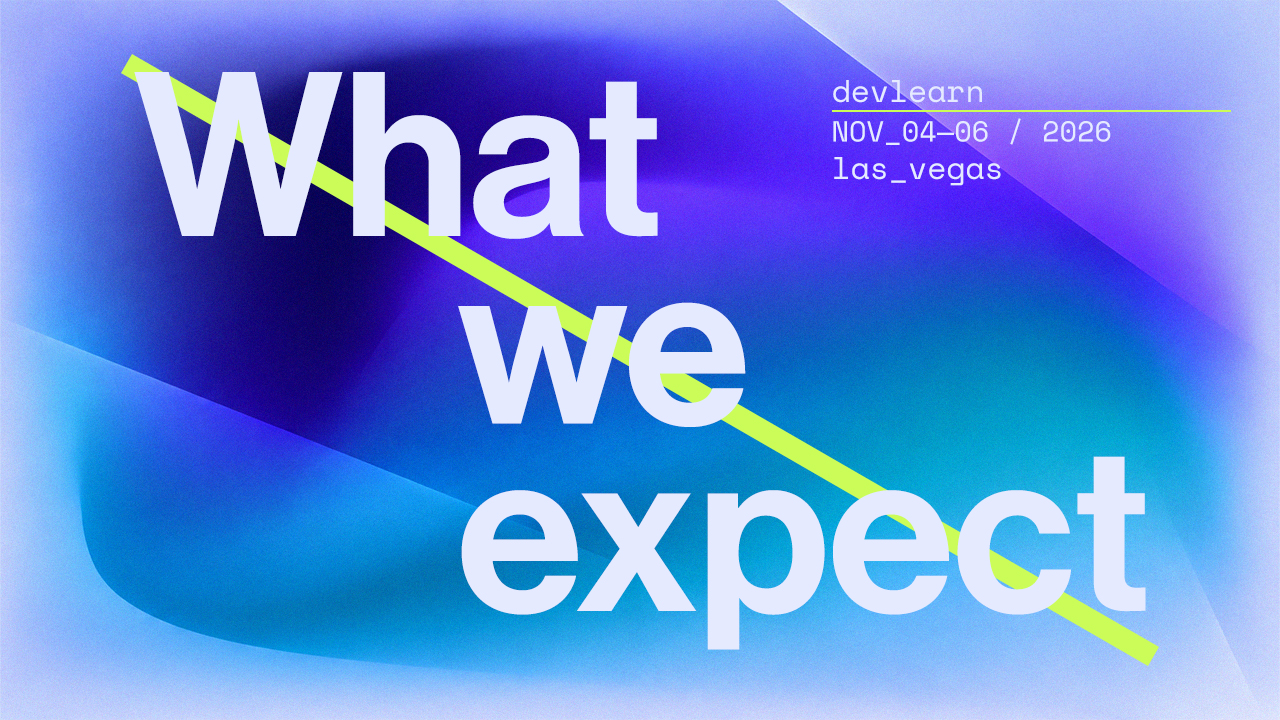
DevLearn 2026: AI in L&D and Workplace Performance
Quick Answer: DevLearn 2026 takes place November 4–6 at the MGM Grand in Las Vegas, with preconference programming beginning November 1. After looking through the agenda, we found an interesting tension: some sessions explore how AI can accelerate training production, while others question whether organizations need more training at all.…
-
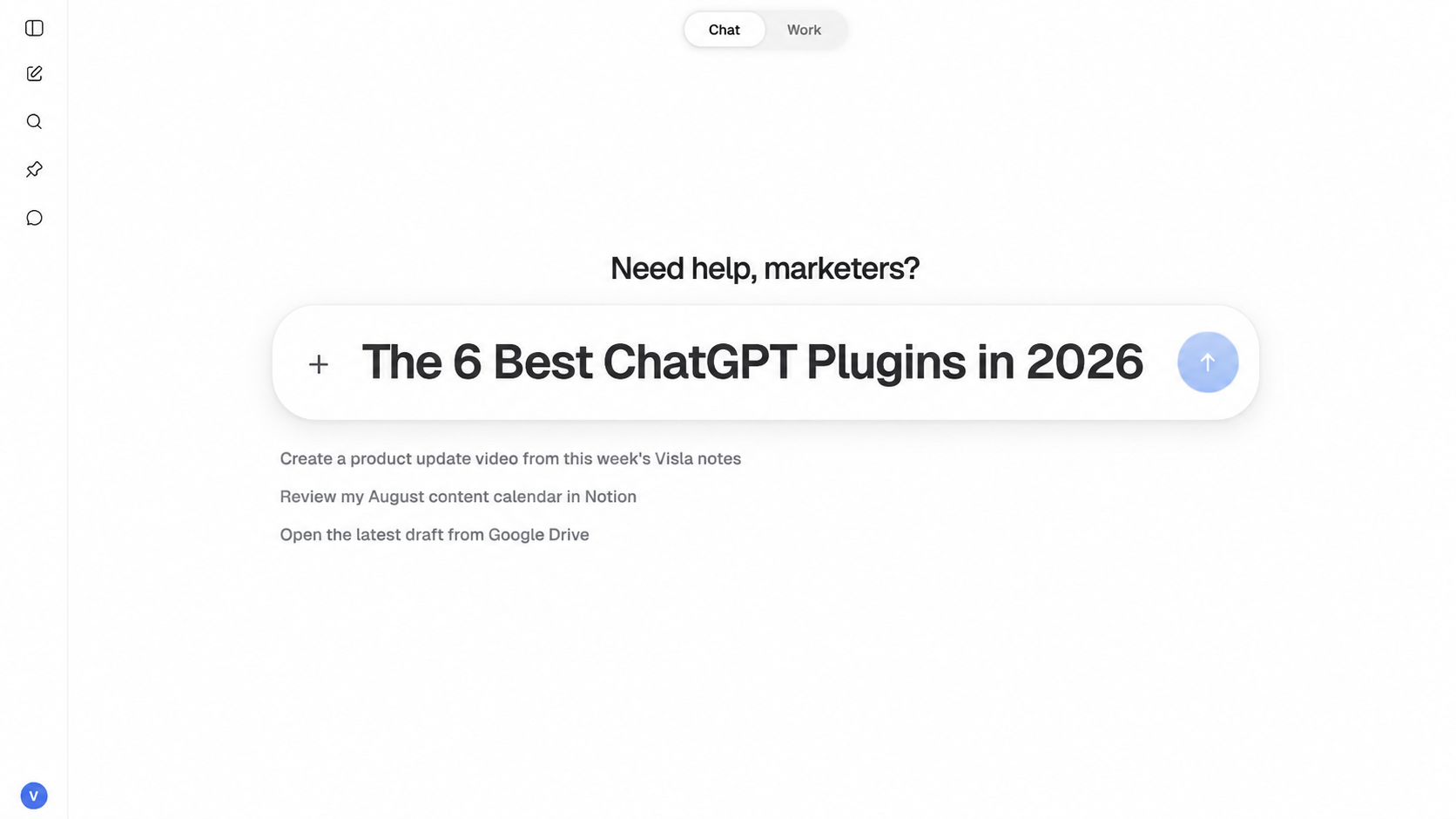
6 Best ChatGPT Plugins for Marketing in 2026
ChatGPT Plugins are now much different from the plugins OpenAI launched in 2023. Now, Plugins can connect ChatGPT to outside apps and data, give it reusable skills, and package several tools into a larger workflow. If you want the technical explanation, our guide on how ChatGPT Plugins work goes into…
-
How to Make a Video in ChatGPT
Quick answer: You can make a video from any ChatGPT conversation with the Visla Video Maker plugin. Develop the idea, research, or script in ChatGPT, then call @Visla Video Maker when you’re ready to make the video. Choose AI-generated visuals or stock footage, then open the project in Visla if…
-

What Are ChatGPT Plugins and How Do They Work?
Quick answer: A ChatGPT Plugin packages tools, instructions and other capabilities for a specific workflow in ChatGPT or Codex. Plugins can include reusable skills, connected Apps, App templates and interactive extensions. Apps connect ChatGPT to outside services and data; Plugins organize those capabilities into something you can install and use…
-
4 Best Interactive Training Tools We Tested in 2026
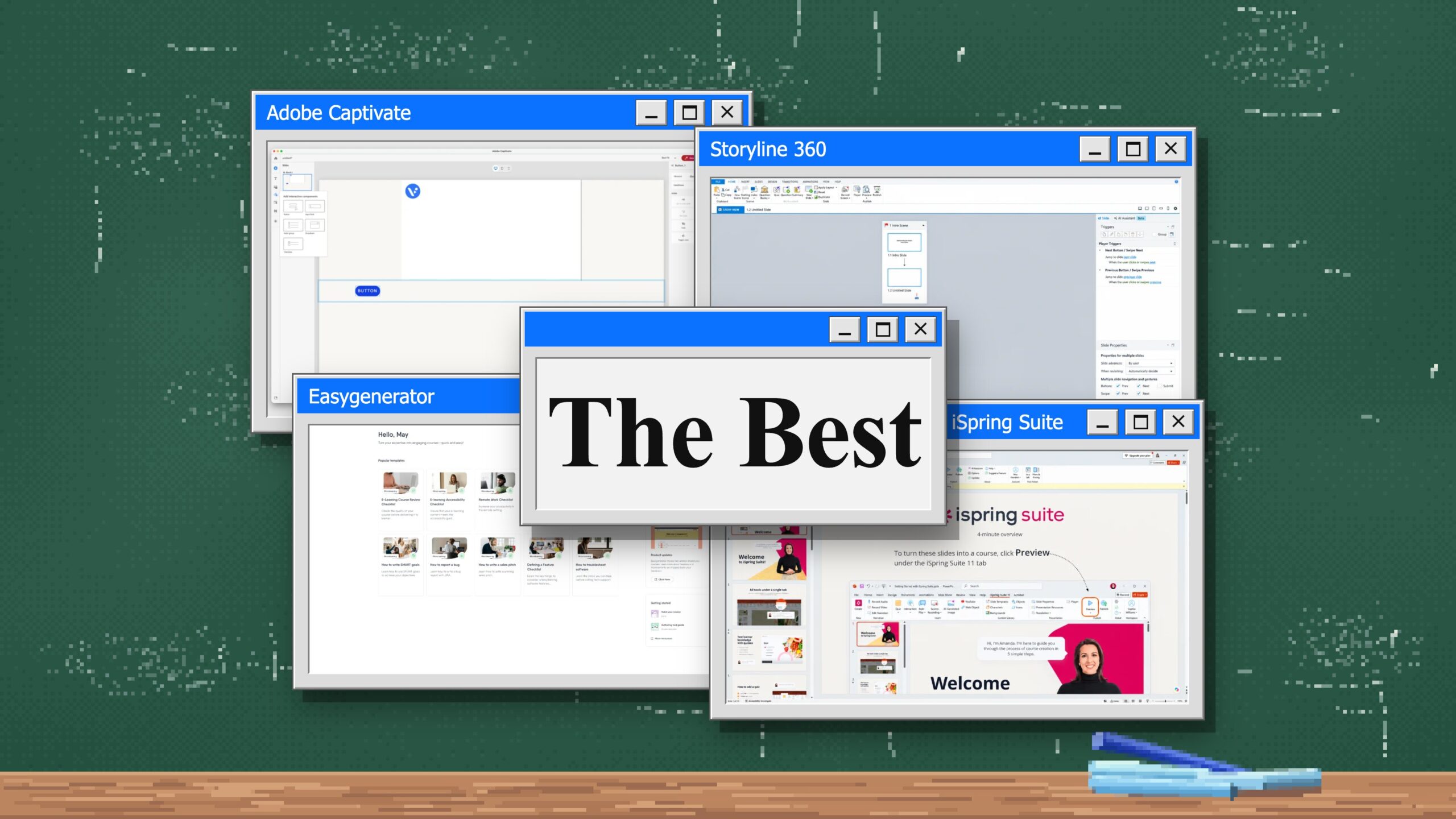
Quick Answer: The best interactive training tools we tested are Articulate 360, Adobe Captivate, iSpring Suite, and Easygenerator. Articulate 360 combines approachable AI-assisted tools with the much deeper Storyline 360 authoring environment, while Adobe Captivate gives authors granular control over branching and interaction logic. iSpring Suite is considerably easier to…
Get the Visla newsletter
Weekly insights on tools, strategy, and what’s changing in enterprise video. No noise, just what your team needs to know.